Artificial intelligence has completely shifted how we create content, solve problems, and handle daily routines. From writing clear essays and designing eye-catching social media posts to debugging software code and making natural video voiceovers, AI tools turn time-consuming tasks into quick work.
The best part? You do not need a big budget to use these powerful systems. Many leading AI platforms offer generous free plans that give students, creators, freelancers, and small business owners access to cutting-edge technology without spending a dime.
Key Reasons to Start Using Free AI Tools Today
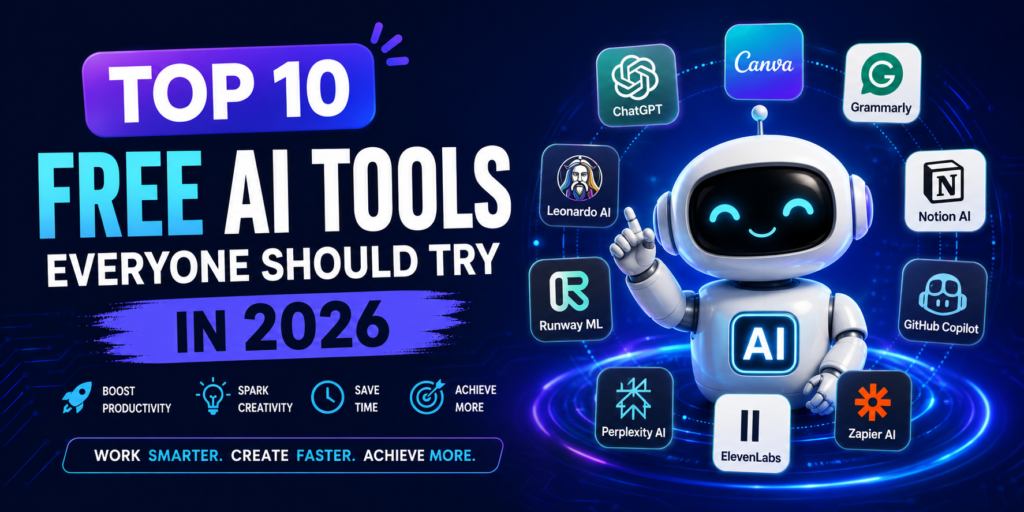
Relying on artificial intelligence isn’t about replacing human thinking—it’s about removing busywork so you can focus on bigger ideas.
Integrating smart software into your routine offers several big benefits:
- Saves hours of manual effort by automating repetitive typing, editing, and formatting tasks.
- Boosts your daily productivity so you can get more done in less time.
- Helps you overcome creative block by generating fresh outlines, titles, and topic ideas in seconds.
- Simplifies complex research by turning long, dense articles into clean summaries.
- Improves the quality of your work through automated grammar checks, tone adjustments, and visual design polishing.
- Removes high cost barriers by letting you test advanced tech on standard free tiers.
Top 10 Free AI Tools You Should Try
1. ChatGPT

OpenAI’s flagship assistant remains one of the most versatile all-around AI platforms in existence. Whether you need help drafting emails, explaining difficult homework concepts, brainstorming startup ideas, or troubleshooting code, ChatGPT delivers quick, conversational responses to almost any question.
- Best Suited For: Writing drafts, explaining tough topics, learning code, and general brainstorming.
2. Google Gemini
Built right into the Google ecosystem, Gemini connects effortlessly with Google Docs, Gmail, and Drive. It handles multimodal inputs—meaning you can give it text, images, or audio—and uses real-time web access to help you research topics and summarize massive files.
- Best Suited For: In-depth research, drafting Google Workspace documents, and processing long readings.
3. Microsoft Copilot
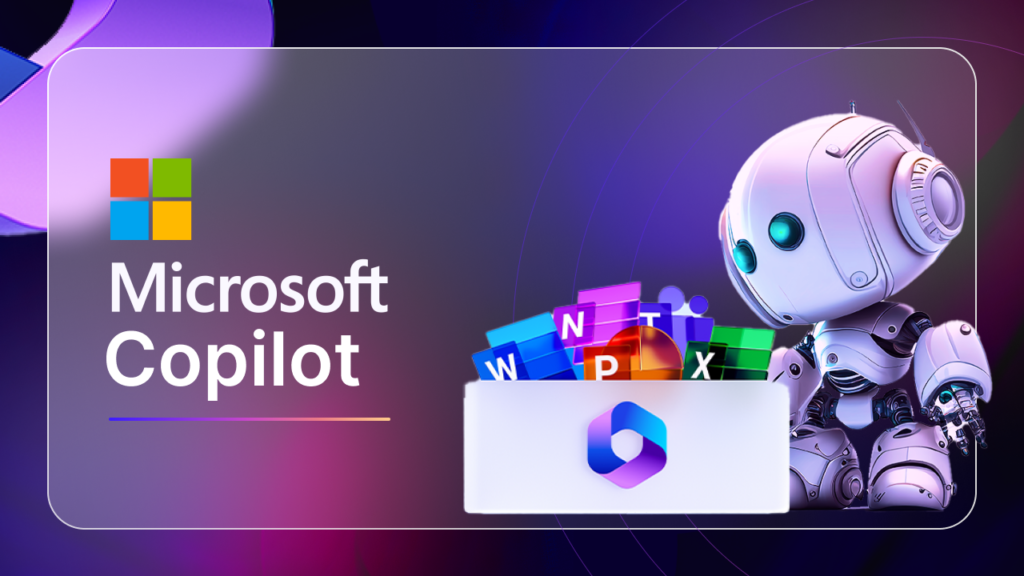
Designed for day-to-day office efficiency, Microsoft Copilot acts as a built-in companion across web browsers and productivity applications. It helps you draft documents, analyze data trends, create basic presentation slides, and manage daily business communications with ease.
- Best Suited For: Office tasks, business drafting, quick web research, and daily work management.
4. Canva AI
Canva has expanded its popular design platform with powerful magic design tools that let anyone build visual content. You can generate images from simple text descriptions, auto-magically remove image backgrounds, and build polished presentation decks in a few clicks.
- Best Suited For: Social media graphics, quick slide presentations, marketing flyers, and visual branding.
5. Grammarly
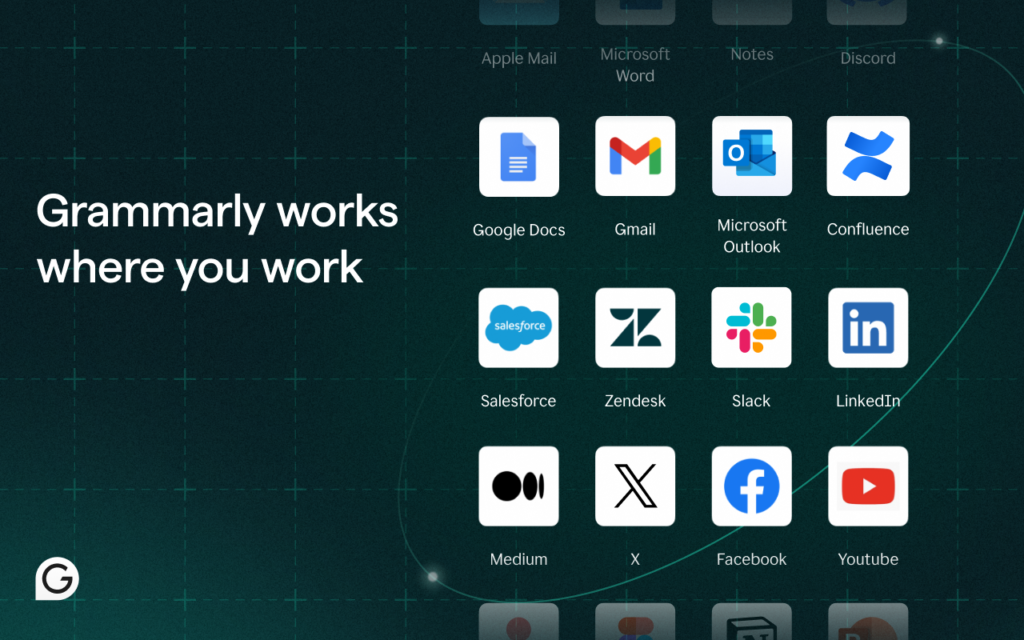
Going far beyond basic spellcheck, Grammarly acts as an active writing coach that runs in the background of your web browser. It highlights grammatical errors, suggests punchier phrasing, catches awkward tone choices, and offers AI prompts to quickly rewrite weak sentences.
- Best Suited For: Polishing professional emails, writing clean essays, and fixing sentence structure.
6. Perplexity AI
If you are tired of clicking through traditional search engine links, Perplexity delivers direct, well-organized answers backed by cited real-time sources. It functions like a smart research partner that backs up every single claim with links to original web sources.
- Best Suited For: Fact-checking claims, gathering research sources, and getting quick summaries of current news.
7. Notion AI
Built directly inside the Notion workspace, Notion AI helps you keep project plans, notes, and tasks completely organized. It can summarize meeting transcripts, draft action items, reformat messy notes, and auto-generate project outlines right where you store your work.
- Best Suited For: Note organization, team project tracking, document summaries, and workflow management.
8. GitHub Copilot
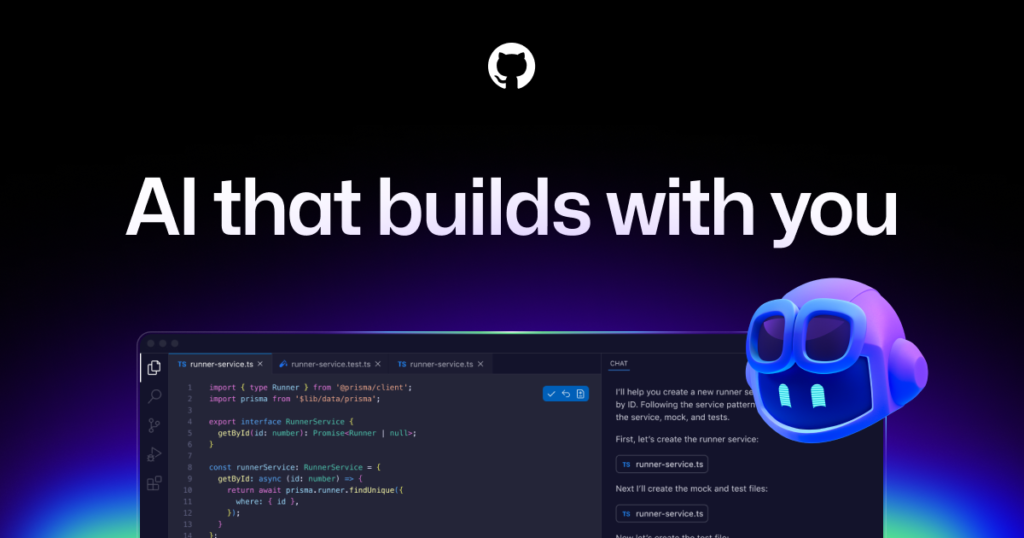
For software developers and computer science students, GitHub Copilot works directly inside popular code editors like VS Code to suggest real-time lines of code. It helps auto-complete functions, fix tricky bugs, and explain complex code logic in clear language.
- Best Suited For: Writing software code, debugging logic errors, and learning new programming languages.
9. Adobe Express AI
Designed for fast visual editing, Adobe Express AI brings high-end graphic and video editing tools to everyday creators. You can instantly turn text prompts into artistic graphics, make quick video trims, generate stylized text effects, and resize content for different social platforms.
- Best Suited For: Short video edits, promotional posters, quick photo fixes, and social media media kits.
10. ElevenLabs
If you need professional sound without paying for a voice actor, ElevenLabs generates incredibly realistic, natural-sounding synthetic speech. It turns written scripts into realistic audio voiceovers with lifelike pacing, emotion, and tone variations across dozens of languages.
- Best Suited For: Video voiceovers, podcast intros, audiobooks, and clear educational narrations.
Quick Comparison of Top Free AI Tools
| Tool | Core Strength | Free Tier Offer |
| ChatGPT | General conversation, writing, & code | Free access to standard conversational models |
| Google Gemini | Google Workspace integration & research | Free plan with real-time web search |
| Perplexity AI | Cited research & fact-finding | Free conversational search with sources |
| Grammarly | Real-time grammar & tone fixes | Free browser extension with writing rewrites |
| Canva AI | Easy visual design & image creation | Free design workspace with magic AI features |
How to Select the Right AI Platform for Your Needs

With dozens of apps available, picking the right platform depends entirely on what you want to accomplish today.
To figure out what fits your goals, consider these simple points:
- Identify your primary task: Are you writing a long essay, building a slide deck, coding a web app, or organizing meeting notes?
- Check the free feature limits: Make sure the tool’s free plan gives you enough monthly messages or exports to complete your work without requiring a credit card.
- Look at app integrations: Pick tools that fit into the apps you already use, such as browser extensions or office suites.
- Evaluate learning curve: Choose simple, conversational interfaces if you want quick results without learning complex settings.
Smart Rules for Getting Great Results From AI
Artificial intelligence works best when you treat it as a helpful digital assistant rather than an automatic replacement for your own brain.
Follow these practical habits to get better results every time:
- Provide clear, detailed prompts: Give the AI context, explain your goal, specify the desired tone, and state your target word count.
- Double-check important facts: AI models can sometimes invent wrong details, so verify important numbers, dates, and historical claims using credible sources.
- Edit every output in your own voice: Always review and polish generated text so it sounds natural, human, and personal.
- Mix different tools together: Use one app to brainstorm ideas, another to check facts, and a third to clean up your final writing grammar.
- Keep private information safe: Never paste sensitive personal details, bank numbers, or confidential company secrets into public chats.
Common Pitfalls You Should Always Avoid

It is easy to make basic mistakes when you first start using automated tools. Knowing what not to do saves you from embarrassing errors.
Keep an eye out for these frequent mistakes:
- Copying and pasting raw outputs without reading through to fix repetitive phrasing or awkward sentence flow.
- Blindly trusting factual claims without checking original news or academic sources.
- Ignoring platform terms and rules regarding copyright and fair use for AI-generated media.
- Expecting the software to guess your mind without giving it clear context or example formatting.
What to Expect From AI Tools in the Coming Years
The world of artificial intelligence is moving forward at an incredible pace. Future AI applications will feel far more integrated, intuitive, and personalized, shifting away from simple chat boxes toward active assistants that handle entire multi-step workflows. We can expect even stronger free tiers, better offline capabilities, and tools that help us learn, build, and connect faster than ever before.
Frequently Asked Questions (FAQs)
1. Are free AI tools good enough for professional use?
Yes. Many free AI tools offer powerful features suitable for students, freelancers, creators, and professionals, though premium plans may provide additional capabilities.
2. Which free AI tool is best for writing?
ChatGPT and Grammarly are popular choices for drafting, editing, and improving written content.
3. Can AI tools help students with learning?
Yes. AI tools can explain concepts, summarize information, assist with research, and support study planning, making learning more efficient.
4. Are AI tools safe to use?
Most reputable AI tools are safe when used responsibly. Avoid sharing sensitive personal or business information and review each tool’s privacy policy.
5. Do I need technical skills to use AI tools?
No. Most modern AI tools are designed with user-friendly interfaces, making them accessible even to beginners.